
Table QR codes
A QR code for each table that opens your menu on any phone.
QR menu
Put a QR code on every table and give guests a clean, mobile-friendly digital menu — dish photos, prices, veg / non-veg marks and categories. When a price or a dish changes, you update it once instead of reprinting menu cards.
Chat on WhatsAppSample Restaurant
3Table 12
Demo city
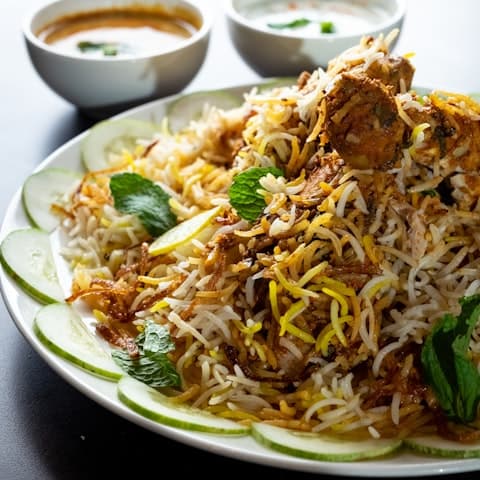
Hyderabadi Chicken Biryani
Dum, saffron, raita
₹349
Add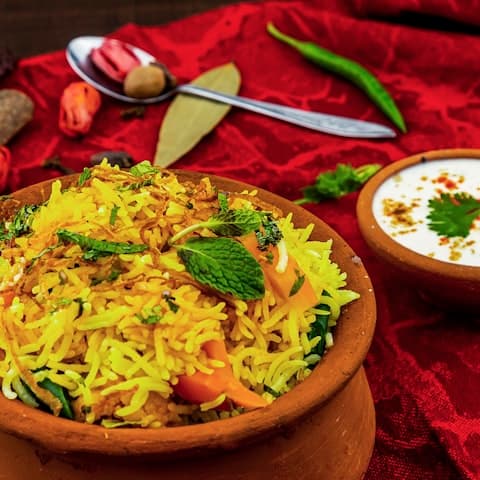
Veg Dum Biryani
Basmati, fried onions
₹279
Add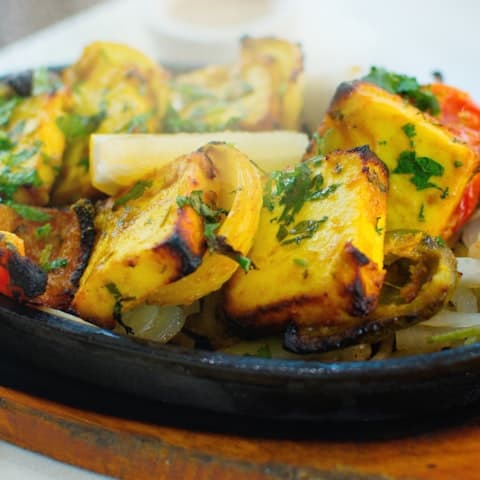
Paneer Tikka
Tandoor, mint chutney
₹260
Add3 items₹758
View cart →
Sample restaurant UI. Demo data — not a live venue.
A QR menu is your restaurant menu as a web page. Guests scan a code on the table and the menu opens on their phone — there is no app to install and no paper card to sanitise or reprint.
NotifyHub's QR menu is managed from the same place as the rest of the product. Dishes, prices, variants and availability live in one menu, so what guests see is what the kitchen can actually serve.
If you want guests to order from that menu as well, the same QR code can open table QR ordering, with orders sent to the kitchen KOT screen.
A QR code for each table that opens your menu on any phone.
Each dish can carry a photo, price, veg / non-veg mark and a short description.
Group dishes the way your menu card already does — starters, mains, breads, desserts, beverages and more.
Update dishes, prices, variants and availability without reprinting menus.
The menu carries your restaurant's name and look rather than a generic template.
Built for phones first, which is how almost every guest will open it.
Dishes, categories, prices, veg marks and photos if you have them.
Check the digital menu on your own phone before it goes on the tables.
Put a QR code on each table.
Change prices, mark items unavailable or add dishes whenever you need to.
The QR Menu plan is ₹4,999 / year and includes the digital menu, table QR codes, a mobile-friendly menu, menu management and restaurant branding.
Compare all plansFAQ
Yes. The QR code opens your live menu, so price and dish changes show up the next time a guest scans. The printed code stays the same.
On the QR Menu plan the menu is for browsing. Ordering from the table and kitchen tickets are part of the QR + KOT and Website + QR + KOT plans.
Yes. Each dish can carry a veg / non-veg mark along with its photo, price and description.
No. The menu opens in the phone's browser after the guest scans the QR code.
Back to the restaurant QR ordering and KOT overview.
Get a restaurant website, QR ordering and kitchen KOT in one simple setup.
Restaurant website · QR ordering · Kitchen KOT