
No app download
Guests scan and order in the phone browser they already use.
QR Ordering · KOT · Restaurant Website
Give customers a simple QR menu, send orders directly to the kitchen, and get your own restaurant website — without forcing customers to download an app.
Chat on WhatsAppNo app download. No extra hardware. Orders go straight to the kitchen.
Sample Restaurant
3Table 12
Demo city
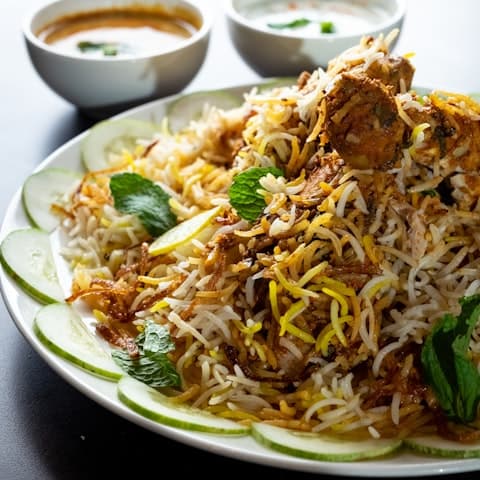
Hyderabadi Chicken Biryani
Dum, saffron, raita
₹349
Add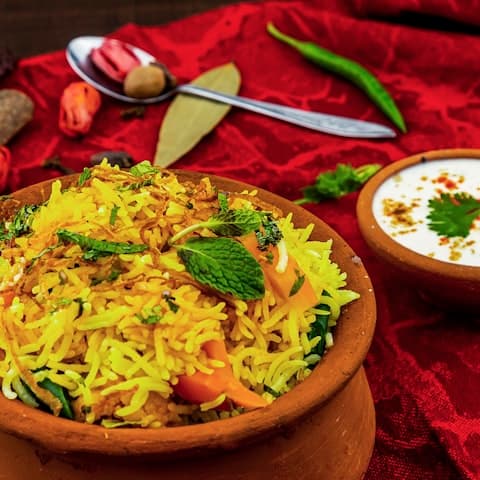
Veg Dum Biryani
Basmati, fried onions
₹279
Add3 items₹758
View cart →
How it works
One path from the table to the ticket — no app for guests, no handwritten KOT for the kitchen.
Customer scans the QR on the table. No app download.
They browse the menu, customise items, and place the order.
The kitchen receives a live KOT with table, items, and notes.
Staff see when it is ready, serve, and close the table.
Why restaurants use NotifyHub
Built for Indian restaurants that want a website, QR ordering, and kitchen tickets — without extra hardware or an app download.
Guests scan and order in the phone browser they already use.
Menu, customise, cart, and place order — attached to the table.
Tickets show table, items, quantities, and notes as they come in.
A restaurant-branded page guests can open before they arrive.
The guest experience is built for phones. Kitchen screens fit tablets.
Website, QR menu, and KOT in one product — without extra hardware.
Restaurant website
A branded page guests can open on any phone — menu, photos, hours, location, and a way to reach you.
A restaurant page with your name, look, and dishes — ready to share with guests.
Photos, prices, veg marks, and categories that stay up to date.
Show the dining room, opening hours, and where to find you.
Make it easy for guests to call or message the restaurant.
Guests can move from the website into the same QR ordering flow.
Built for phones first — the way most guests will open it.
Sample restaurant website
Demo city
Sample Restaurant
Sample menu
Hyderabadi Chicken Biryani
Dum, saffron, raita
₹349
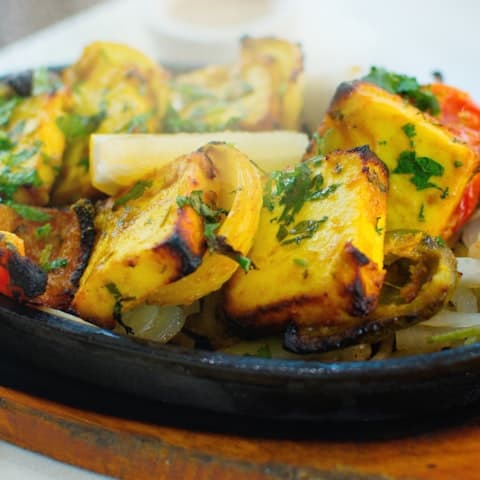
Paneer Tikka
Tandoor, mint chutney
₹260
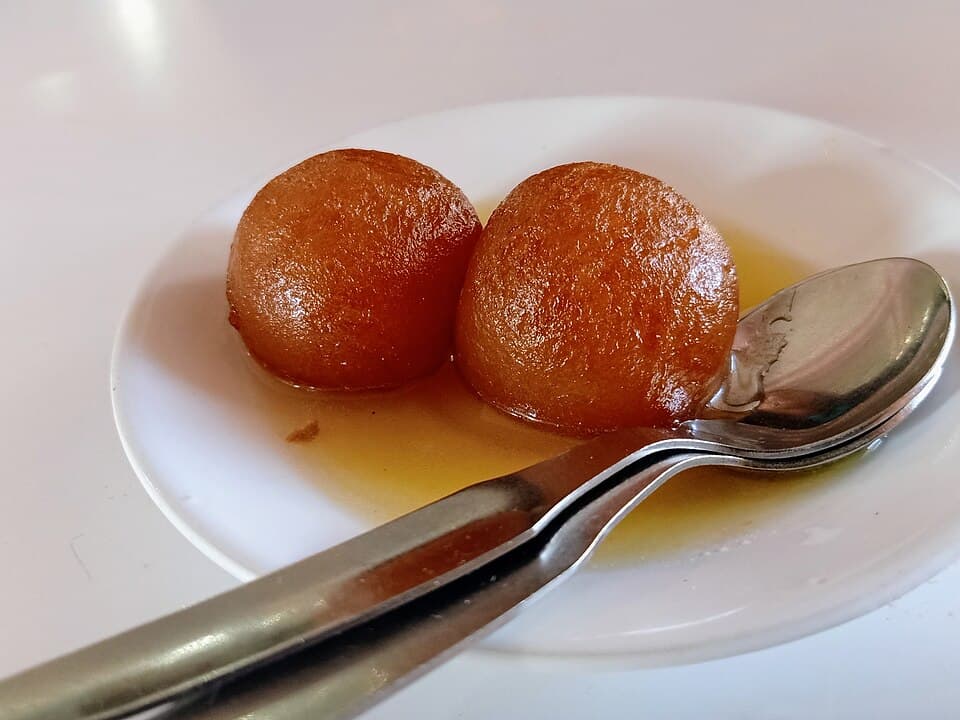
Gulab Jamun
Warm, cardamom syrup
₹90
Hours
Sample opening hours
Location
Demo location, Demo city
Sample restaurant UI. Demo data — not a live venue.
QR ordering
Restaurant → table → menu → customise → cart → order placed. No app store. No login wall.
See how the restaurant QR ordering system and the QR menu work.
Sample Restaurant
3Table 12
Demo city
Hyderabadi Chicken Biryani
Dum, saffron, raita
₹349
AddVeg Dum Biryani
Basmati, fried onions
₹279
AddPaneer Tikka
Tandoor, mint chutney
₹260
Add3 items₹758
View cart →
Sample restaurant UI. Demo data — not a live venue.
Kitchen KOT
Every ticket shows the table, items, quantities, notes, and status. NEW → PREPARING → READY.
Every order reaches the kitchen as soon as the guest places it.
Sample KOT
Kitchen display
NEW
1KOT-1042
Table 12 · 2 min
Extra spicy · No onion
Priority
PREPARING
1KOT-1041
Table 8 · 11 min
READY
1KOT-1040
Table 5 · 16 min
Sample restaurant UI. Demo data — not a live venue.
Floor
See which tables are free, which orders are in the kitchen, which plates are ready, and which bills are waiting.
Waiter
Floor · Dinner service
Tables
1
Free4
Occupied5
Payment8
Ready9
Occupied12
Preparing14
Free16
OccupiedNeeds attention
Table 12
KOT-1042 · 2 min
Table 8
2 items waiting
Table 5
Bill ₹1,240
Sample restaurant UI. Demo data — not a live venue.
Owner
Today’s orders, active tables, and kitchen load — enough to run the floor.
Dashboard
Sample Restaurant · Demo location
Today's orders
86
Today's sales
₹42,180
Active tables
11
Pending orders
7
Kitchen vs completed
Popular today
Sample restaurant UI. Demo data — not a live venue.
How restaurants start
Everything you need for QR ordering and kitchen operations. Keep billing on the POS you already use, if you have one.
Option A
For restaurants that want guests to find them online, order from a QR menu, and send tickets to the kitchen.
Option B
Add QR ordering and kitchen tickets next to the billing system you already run.
What you get
A restaurant website, a QR menu guests already know how to use, and kitchen tickets that show up as soon as the order is placed.
A branded page for your restaurant: menu, photos, hours, location, and contact.
Restaurant website detailsA digital menu that opens on any phone. Photos, prices, and availability stay in one place.
QR menu detailsGuests order when they are ready — without waiting for a waiter to take the slip.
Self-ordering detailsTickets appear on the kitchen screen as soon as the order is placed.
Kitchen KOT detailsUpdate dishes, prices, variants, and availability without reprinting menus.
Tables, waiter view, and order status from new to served — enough to run service.
Your POS
NotifyHub does not ask you to rip out billing. Guests order from a QR menu, the kitchen gets tickets, and settlement can stay where it is today.
Customer
Scans and orders from the phone
QR ordering
Menu, cart, and table session
Kitchen KOT
Live tickets with table and notes
Your POS
Keep billing where it is
Kitchen
Live KOT tickets
For restaurants
Independent dining rooms, cafés, hotels, and teams that already have a POS.
Website, QR ordering, and kitchen tickets without a heavy software rollout.
Quick QR ordering for high-turn tables and counter service.
Table-side ordering for in-house restaurants, without changing hotel systems overnight.
Add a guest menu and kitchen tickets next to the billing system you already run.
Pricing
Everything you need to bring your restaurant online — with one simple yearly payment.
Give your customers a fast, mobile-friendly digital menu they can access with a QR code.
₹4,999/ year
Most Popular
Let customers order from their table and send orders directly to your kitchen workflow.
₹9,999/ year
Get your own restaurant website together with QR ordering and kitchen KOT.
₹19,999/ year
One simple yearly plan. No monthly subscription hassle.
No commission on customer orders.
FAQ
No. Customers scan the QR code and order from their phone browser. There is nothing to download from an app store.
Each table has a QR code. The guest scans it, sees the menu, customises items, and places the order. The table number stays attached from scan to kitchen ticket.
Yes. New orders appear on the kitchen KOT screen as tickets, with table number, items, quantities, and notes.
Yes. NotifyHub includes a restaurant-branded website with your menu, photos, opening hours, location, and contact or WhatsApp details. Guests can also move into ordering where it is enabled.
You do not have to replace your POS. Many restaurants use NotifyHub for the website, QR menu, and kitchen tickets, and keep billing on the system they already use. We can walk through how that would work for your floor.
Yes. Guests order from their phones. The restaurant website is built for mobile. Kitchen and staff screens are designed for tablets and larger displays.
QR Menu is ₹4,999 / year. QR + KOT is ₹9,999 / year. Website + QR + KOT is ₹19,999 / year. One simple yearly payment — no monthly subscription.
Tell us about your restaurant, book a short demo, or message us on WhatsApp. We will show the website, QR menu, and kitchen KOT, then help you choose a setup.
Get a restaurant website, QR ordering and kitchen KOT in one simple setup.
Restaurant website · QR ordering · Kitchen KOT